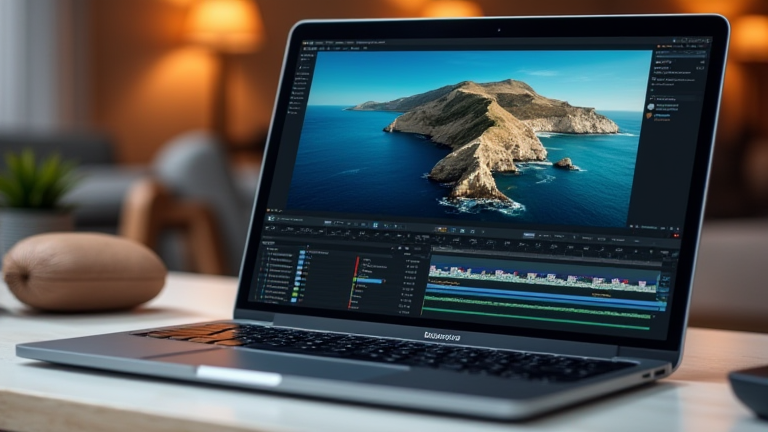
Is the M4 Max MacBook Pro Worth It for Video Editors?
TL;DR: Yes, the M4 Max MacBook Pro is exceptionally worth it for professional video editors who prioritize portability without sacrificing heavy-duty processing power. It offers near-desktop performance in a thin chassis, making it the definitive choice for high-end mobile post-production workflows.
Apple has once again raised the bar for portable workstation performance with the release of the M4 Max chip, which sits at the apex of the current MacBook Pro lineup. For video editors, the transition from the M2 and M3 generations to the M4 Max represents a significant leap in both raw computational muscle and media engine capabilities. The latest developments in silicon architecture have allowed Apple to double the neural engine performance while simultaneously improving energy efficiency, meaning editors can render 8K ProRes timelines without the thermal throttling that often plagues older models or even some high-end Windows laptops.
If you want to dig deeper, check out our guide on AI Agents: Automating Complex Multi-Step Business Workflows.
Specs That Matter for Post-Production
Under the hood, the M4 Max chip features a unified memory architecture that can handle up to 128GB of memory. This is a critical specification for video editors working with large, complex projects involving multiple layers of effects, high-resolution stills, or 12-bit color grading. The bandwidth of this unified memory is staggering, allowing for rapid data transfer between the CPU, GPU, and media engines. Furthermore, the dedicated hardware for video encoding and decoding has been enhanced, supporting native processing of HEVC, ProRes, and AV1 formats. This hardware acceleration drastically reduces render times, turning what used to be an overnight job into a quick coffee break task.
The display remains a powerhouse, with the Liquid Retina XDR panel offering a sustained brightness of 1000 nits and peak brightness of 1600 nits. For color-critical work, the P3 wide color gamut and true 10-bit color depth ensure that what you see on the screen is an accurate representation of the final output. The high refresh rate of 120Hz ProMotion also contributes to a smoother experience when scrubbing through high-frame-rate footage, reducing motion blur and making detailed edits easier to execute.
Industry Impact and Workflow Efficiency
The industry impact of the M4 Max MacBook Pro extends beyond individual productivity to broader workflow standardization. As more software developers optimize for Apple Silicon, the ecosystem is becoming increasingly robust. Plugins for Adobe Premiere Pro, DaVinci Resolve, and Final Cut Pro are now fully utilizing the Metal 3 framework, resulting in smoother playback and faster export times. This shift is compelling many studios to adopt a unified hardware stack, reducing compatibility issues and streamlining asset management between field recording and post-production.
Moreover, the power efficiency of the M4 Max allows for extended battery life under load. While no laptop can render heavy 8K sequences for hours on battery, the M4 Max can handle moderate editing tasks for over ten hours, providing a level of flexibility that traditional desktop-replacement laptops simply cannot match. This makes it an ideal tool for editors who need to review footage on location or work in environments without guaranteed power sources.
FAQ
Q: Is the M4 Max better than an external GPU setup?
A: For most users, yes. The unified memory and low latency of the internal M4 Max often outperform discrete external GPUs in video-specific tasks like transcoding and timeline scrubbing, while also offering superior battery life and a quieter operation.
Q: Can it handle 12K video editing smoothly?
A: Yes, the M4 Max can handle 12K timelines, but performance depends on the codec. ProRes and HEVC are hardware-accelerated, allowing for smooth playback, though complex effects chains may require proxy workflows for optimal responsiveness.
Q: Is the price justified for mid-level editors?
A: If you work primarily in 4K with moderate effects, the M3 Pro or M4 Pro models offer better value. The M4 Max is best reserved for professionals handling 8K+,
Leave a Reply