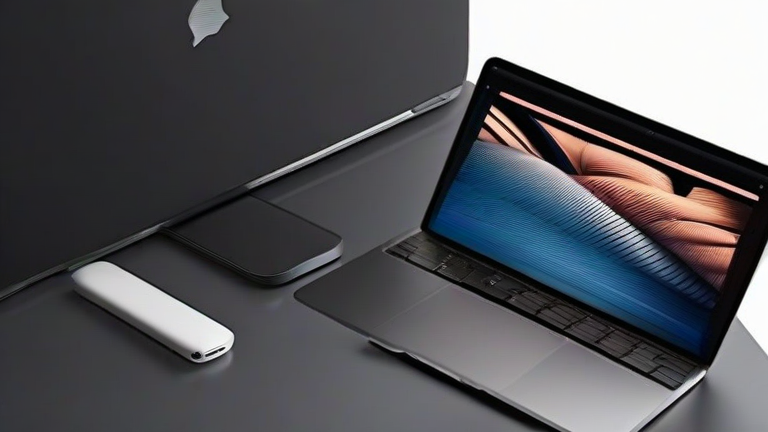
TL;DR: The MacBook Air M3 dominates the student market by offering superior battery life, silent operation, and a cohesive ecosystem that simplifies academic workflows. Its exceptional performance-per-watt ratio ensures it handles heavy multitasking without the thermal throttling common in comparable Windows ultrabooks.
The landscape of portable computing has shifted dramatically with the introduction of Apple’s M3 chip, redefining what students expect from a laptop. For years, the debate between macOS and Windows has been polarized, but recent developments suggest a clear winner for the specific needs of higher education. The MacBook Air M3 is not just an incremental update; it is a statement of efficiency that addresses the most critical pain points for students: battery anxiety, noise, and portability.
If you want to dig deeper, check out our guide on How to Spot the Next Viral Fashion Trend Before It Hits.
Unmatched Efficiency and Performance
At the heart of this device is the third-generation Apple Silicon architecture. Unlike traditional x86 processors found in many Windows laptops, the M3 utilizes a system-on-chip design that integrates the CPU, GPU, and Neural Engine onto a single die. This integration results in incredible speed for everyday tasks like web browsing, document editing, and video streaming. More impressively, it handles resource-intensive applications such as Adobe Photoshop, Final Cut Pro, or even light 3D rendering with ease. The 10-core GPU option provides up to 20% faster graphics performance than the M2, ensuring that creative majors are not left behind.
The Silent Advantage
One of the most significant yet overlooked features of the MacBook Air is its fanless design. In quiet library settings or during online examinations, the lack of cooling fans means zero operational noise. Many Windows competitors, even those with similar price points, rely on active cooling systems that can become audibly distracting under load. The MacBook Air maintains high performance levels without generating significant heat, keeping the keyboard surface cool to the touch. This thermal efficiency is a direct result of the M3 chip’s advanced manufacturing process, which reduces power consumption while boosting computational power.
Ecosystem Synergy
For students already invested in the Apple ecosystem, the benefits extend beyond hardware. Features like Handoff, Universal Control, and AirDrop streamline collaboration and file sharing. If a student uses an iPhone or iPad, transferring photos from a lab experiment or syncing notes across devices is seamless. This integration reduces friction in daily academic life, allowing students to focus on learning rather than troubleshooting connectivity issues. Furthermore, the longevity of macOS updates ensures that the device remains secure and functional for four to five years, offering a better long-term return on investment compared to many Windows alternatives that may suffer from driver issues or bloatware over time.
Industry Impact
The success of the M3 MacBook Air is forcing the broader PC industry to rethink their approach to efficiency. Competitors are now prioritizing battery life and thermal management more aggressively, leading to a general uplift in laptop quality across the board. This competition ultimately benefits consumers, driving innovation in battery technology and processor design. As remote and hybrid learning become permanent fixtures in education, devices that offer reliability and endurance are becoming essential tools. The MacBook Air M3 sets a new standard, proving that high performance does not require sacrificing portability or silence.
FAQ
Q: Is the MacBook Air M3 suitable for engineering students?
A: Yes, it handles CAD software and coding environments efficiently, though some specialized Windows-only simulation tools may require virtualization.
Q: How long does the battery last during typical student use?
A: Apple claims up to 18 hours of battery life, and real-world tests consistently show it lasting through a full day of lectures and study sessions without needing a charge.
Q: Can I run Windows applications on the MacBook Air M3?
A: While macOS has its own native apps, you can run Windows software using virtualization tools like Parallels Desktop, though performance may vary for heavy gaming titles.
Leave a Reply