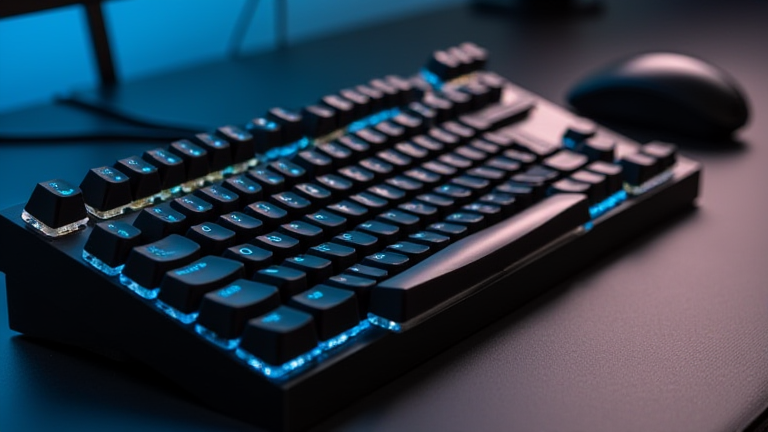
Do You Actually Enjoy Your $500 Mechanical Keyboard After Year One?
TL;DR: Yes, the initial novelty fades, but the tactile satisfaction and build quality often become your primary reasons for continued enjoyment. The key is maintaining the device and ensuring the switch choice still matches your evolving typing habits.
Step 1: Assess Your Current Usage Patterns
Begin by observing how you interact with your keyboard in the first week of your review. Do you find yourself reaching for it more often than a cheaper alternative? Pay attention to the specific moments of satisfaction. Is it the crispness of the top cases? The smoothness of the stabilizers? If you find yourself indifferent to the sound or feel, it is time to consider if the investment was justified by utility or impulse. Document any specific features that you no longer use, such as unused macro keys or RGB profiles that have been turned off.
If you want to dig deeper, check out our guide on Silicone-Encased Metal: No Glue? Here’s the Truth.
Step 2: Perform a Deep Clean and Inspection
One year of use accumulates dust, skin oils, and crumbs. Disassemble your keyboard fully. Remove the keycaps and clean them with soapy water or a specialized cleaner. Inspect the switches for any signs of scratchiness or sticking. If you have lubricated your switches, check for any drying out. If you have not lubricated them, this is the perfect time to do so if you experience friction. A clean keyboard feels significantly different from a dusty one, and this step can reignite your enjoyment by restoring the original tactile feel.
Step 3: Re-evaluate Switch and Keycap Suitability
After twelve months, your preferences may have shifted. Did you start with linear switches but now find them too quiet? Or did you choose heavy tactiles that now feel fatiguing? Test your current setup against a friend’s keyboard or a local shop demo. If you realize your initial choice was wrong, consider a mod kit or simply buying a new set of switches. Many high-end boards allow for easy switch swapping. If your keycaps have become shiny or worn, replace them with a new PBT set. This refresh can make the board feel brand new.
Step 4: Optimize Your Environment and Settings
Adjust your typing environment to complement the hardware. If you are typing in a noisy office, a loud board might be a nuisance. Consider adding a desk mat to dampen sound. Update your software configuration. Remap keys to better fit your workflow. If you use QMK or VIA, ensure your keybindings are intuitive. A keyboard that fights against your muscle memory will lose its appeal quickly. Make the tool work for you, not the other way around.
Step 5: Engage with the Community
Mechanical keyboards are a hobby. Engage with forums, Discord servers, or social media groups dedicated to keyboards. Sharing photos or discussing mods with others can rekindle your interest. Sometimes, the joy comes from the community aspect as much as the hardware itself. Look for inspiration in other users’ setups. This external validation and shared passion can help you appreciate the finer details of your own build that you might have previously overlooked.
Tips for Long-Term Satisfaction
Keep a spare set of keycaps handy for emergencies. Store your board in a dry place to prevent oxidation. Regularly check for loose screws or wobbling cases. These small maintenance tasks ensure longevity and prevent minor annoyances from becoming major frustrations. Remember, the goal is not just to have an expensive object, but to have a tool that enhances your daily life. If it does not, it is perfectly okay to sell it and buy a different one. The market is full of options, and your preferences are allowed to evolve.
FAQ
Q: Is it too late to swap switches after a year of use?
A: No, most mechanical keyboards are designed for modding. Swapping switches is a common maintenance task and can be done without damaging the PCB if you follow proper instructions.
Q
Leave a Reply