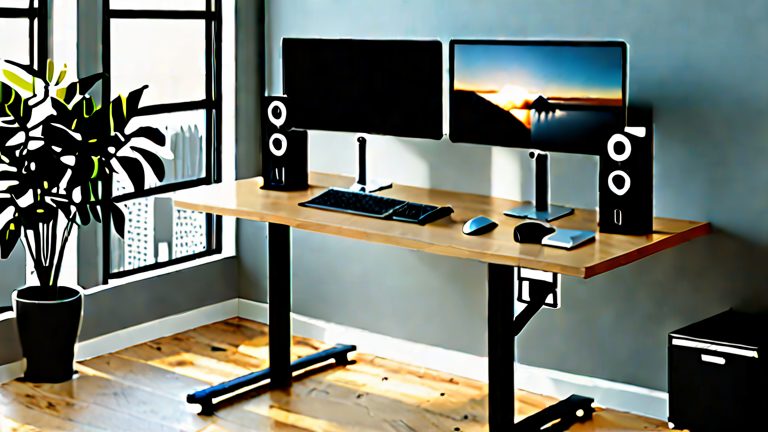
TL;DR: The best standing desks for remote developers combine adjustable height, stable anti-slip mats, and ergonomic keyboard trays to neutralize neck strain. Prioritize desks with a 10-year warranty and dual-motor stability to ensure long-term spinal health and sustained focus throughout the workday.
The Ergonomic Imperative for Coding
Remote developers often spend twelve or more hours daily in static positions, leading to “tech neck” and lower back pain. Standing desks are not just a trend but a scientific intervention for maintaining spinal alignment. Research indicates that alternating between sitting and standing reduces lumbar disc pressure by up to thirty percent compared to prolonged sitting. However, a standard desk is insufficient; you need specialized features that accommodate deep focus sessions. The ideal setup requires a surface that allows for precise height adjustments without wobble, ensuring that your elbows remain at a ninety-degree angle while typing. This position keeps the scapulae stable and prevents shoulder shrugging, a common compensatory mechanism that leads to chronic tension. Furthermore, the desk must support the weight of multiple monitors, a mechanical keyboard, and a mouse without sagging, which can subtly alter your typing posture over time.
If you want to dig deeper, check out our guide on Google Cuts Agent Token Usage 94% with State Tracking.
Key Features for Developer Health
When selecting from the top ten options available, look for desks with a footprint that allows for leg movement. A wide stance is crucial for proper hip alignment, which dictates upper body posture. Many high-end desks now include cable management systems that prevent tangles from pulling your keyboard or monitor out of position. This stability is vital because micro-movements of the desk surface can force you to adjust your head position repeatedly, straining the cervical spine. Additionally, consider desks with a lower minimum height. This allows you to sit at a lower ergonomic position, which encourages a more natural lumbar curve. The top contenders in this space, such as the Uplift V2, Varidesk Pro, and FlexiSpot E7, all offer these critical features. They provide the necessary range of motion to transition smoothly between sitting and standing, which is more important than the standing height itself. Consistency is key; aim to stand for at least thirty minutes every hour. Use the desk’s programmable presets to remind you to change positions. This rhythm prevents the stiffness associated with long coding sessions. By investing in a high-quality, stable desk, you are not just buying furniture; you are purchasing a tool for long-term musculoskeletal health. Your code will benefit from your clarity, and your body will thank you for the dynamic support it provides during those intense debugging marathons.
FAQ
Q: Does a standing desk actually fix poor posture?
A: It helps by forcing you to engage core muscles and maintain a neutral spine, but you must pair it with proper monitor height and chair ergonomics.
Q: How often should I switch between sitting and standing?
A> A recommended cycle is 30 minutes standing followed by 30 minutes sitting, but even 10-minute intervals can reduce muscle fatigue significantly.
Q: Is a cheaper desk sufficient for long-term health?
A: Cheaper desks often wobble or lack stability, which can cause subtle postural corrections that strain muscles; investing in a sturdy, dual-motor desk is safer for long-term use.
Leave a Reply